
Updated: September 25, 2026
Stock footage in a Miami edit: licensing it, matching it to your shoot and avoiding the clips everyone uses
Almost every edit hits a moment where the shoot did not cover everything. The script mentions the Miami skyline at dawn, but the shoot day started at nine. The client wants an aerial of the port, but nobody booked a drone. The story needs a shot of a hospital corridor, a busy airport or a family at the beach, and a second shoot day is not in the budget. Stock footage fills those gaps quickly and often cheaply. Used carelessly, it also makes a video look generic, creates licensing problems and sits awkwardly next to your own footage. This guide explains how editors choose, license and blend stock footage into a Miami project, and when it is better to shoot the shot yourself.
When stock footage makes sense
Stock works best for shots that are expensive or impractical to capture yourself and that do not need to show your brand, people or product. Common good uses:
- Aerials of the city, the bay, the beaches or the port, when a drone shoot would need permits and a separate day.
- Time-lapses of sunrise, sunset or traffic, which take hours to shoot for a few seconds on screen.
- Establishing shots of places you cannot easily film, such as an airport terminal, a hospital or a stadium.
- Generic textures and backgrounds for graphics, such as water, sky or city lights.
- Historic or archival clips, licensed from archives that hold the rights.
Stock rarely works for anything that should feel specific to the client. Your team, your office, your customers and your product are better shot for real. Viewers notice when a "team" in a video is obviously models from a stock library.
Licensing: what you are actually buying
A stock license is permission to use a clip under certain conditions, and those conditions differ between libraries and between clips. The main points to check:
| Term | What it means | What to check |
|---|---|---|
| Royalty-free | You pay once and use the clip within the license terms without paying per view | Allowed uses, number of projects, audience size limits in some licenses |
| Rights-managed | Price and permission depend on the use, territory and period | Exact media, regions and dates; renewal if the campaign runs longer |
| Editorial use only | Clip may only be used in news or documentary context | Cannot appear in ads or promotional video |
| Model and property releases | People and private property in the clip have signed permission | Required for commercial use of recognizable people and some buildings |
| Extended license | Covers uses beyond the standard, such as broadcast or products for resale | Needed for some TV and large paid campaigns |
Read the license for each clip, not just the library's general page. Editorial-only clips are a common trap: a beautiful shot of a crowded Miami beach festival may carry that label because the people in it have not signed releases. Keep a copy of every license with the project files. Our guide to archiving a finished project explains where those records should live, and the same thinking applies to music licensing.
Avoiding the clips everyone uses
Some Miami stock clips appear in countless videos: the same aerial of South Beach, the same pink sunset over the causeway, the same palm trees against blue sky. They are popular because they are good, which is also why they make a video look like everyone else's. Ways around it:
- Search beyond the first page of results and use specific terms such as the neighborhood or time of day.
- Look for clips from smaller contributors or specialist libraries.
- Crop, reframe, change the speed or grade the clip to fit your look, where the license permits editing.
- Use stock for a very short moment and cut quickly back to your own footage.
- Consider a short pickup shoot for the key establishing shots, which is often cheaper than it sounds for a small crew.
Matching stock to your own footage
Nothing gives stock away faster than a clip that looks different from the shots around it. The editor and colorist work on several things:
Resolution and frame rate
Buy stock at the same or higher resolution than your delivery, and at the same frame rate as your project. Mixing 30 fps stock into a 24 fps edit causes stutter that is hard to hide. If you need slow motion, license a clip shot at a high frame rate rather than stretching a normal one; our guide to speed ramping and retiming explains why.
Color and contrast
Stock clips come with their own grade, often punchy and saturated. The colorist brings them in line with your footage, which is easier if the library offers a flat or log version of the clip. Our article on colour grading a Miami video covers how a consistent look is built.
Light and weather
A sunny aerial cut next to interview footage shot on a grey afternoon feels wrong even if the colors match. Choose stock with the same light direction, time of day and weather as the scenes around it.
Grain, lens and camera movement
Adding a little grain or softening a very sharp clip can help it sit with footage from your cameras. Match the style of movement too: a slow gimbal move next to shaky handheld looks deliberate only if it is.

Stock or a pickup shoot?
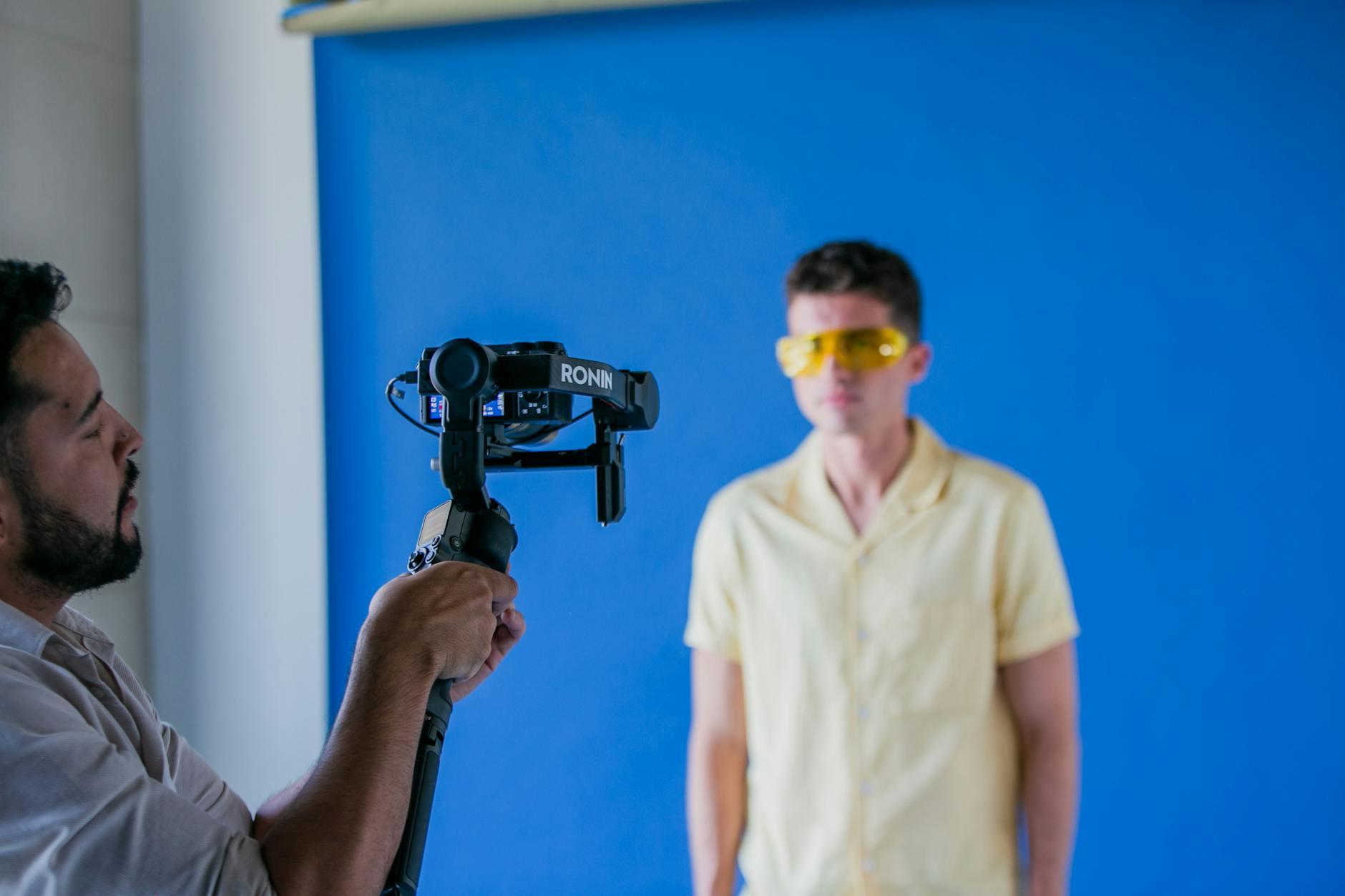
For a single generic shot, stock usually wins on cost and speed. The balance shifts when you need several related shots, a specific location, or anything that must match the look and people of your main shoot. A half-day pickup with a small crew can capture a set of establishing shots, details and b-roll that belong to your project alone, and the footage can be reused in later videos without extra license fees. When a client asks, we compare the two honestly: the number of clips needed, the license terms for each, the grading time to make stock match, and the cost of a short shoot. Our overview of drone footage editing is useful when the question is an aerial.
Working with watermarked comps
Most libraries let editors download low-resolution preview clips with a watermark. We use these in rough cuts so the client can approve the choice before any money is spent. Once the edit is approved, we license the final clips and replace the previews. Keep a list of every comp in the timeline, because a forgotten watermarked clip in a final export is an embarrassing and avoidable mistake.
Stock footage and editing with our team
Our editors use stock where it helps the story and the budget, and shoot or recommend a pickup where it does not. We search beyond the obvious Miami clips, show you watermarked options in the rough cut, check each license against where your video will run, and grade stock so it sits with your own footage. The licenses are delivered with the project so your team knows what can be reused later. If you have an edit that needs a few extra shots, or a project where you are deciding between stock and a pickup shoot, send us the details through the contact page. You can learn more about our post-production team on the about page.