
Updated: September 14, 2026
Multicamera video editing in Miami involves syncing different angles into one clean final cut.
Filming a panel discussion, concert, wedding ceremony, or a two-person interview with multiple cameras provides both valuable coverage and a challenging editing process. The value lies in comprehensive coverage: capturing every angle, reaction, wide shot, and close-up in real time. The challenge, however, is the edit. Multicamera video editing in Miami requires a specific post-production skill. Mastering this skill ensures a smooth, watchable multicam edit, rather than a jumpy, poorly aligned mess. Here is how the process actually works.
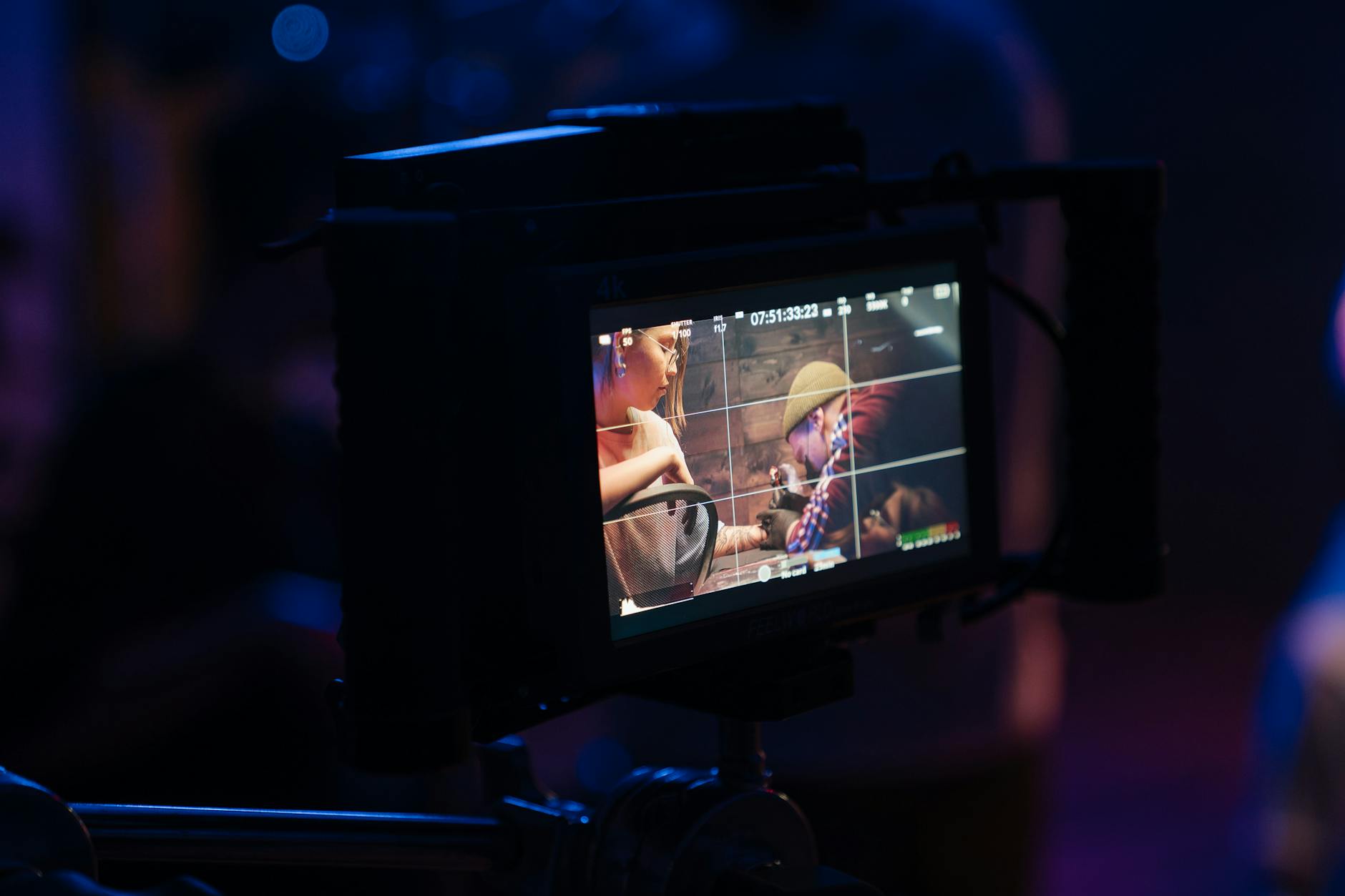
Why shoot multicam in the first place
Some events occur only once. A keynote speech, a live music performance, a religious ceremony, or a founder sharing a story on camera cannot be reshot from a second angle later. Running two, three, or more cameras allows the editor to cut to the right shot at the right moment: a wide shot to establish the room, a tight shot to capture emotions, and a camera focused on the audience to capture their reactions. For interviews, a second angle also helps hide the small edits. When you trim a rambling answer, cutting to the other camera makes the join invisible instead of leaving an awkward jump cut.
The catch that lives in post-production
All that coverage arrives as separate files from different cameras, often started at slightly different times, sometimes with different frame rates or exposures. The external audio recorder also generates its own file. Before any creative editing can take place, each of those sources needs to be lined up precisely on the timeline to the frame. If the synchronization is incorrect, lips may drift out of sync with voices, a discrepancy that viewers often notice within seconds, even if they cannot articulate why.
Syncing the angles: the technical heart of multicam editing
There are three common methods for syncing footage, and a careful Miami video editor selects based on how the shoot was conducted.
- Timecode: the professional method. Cameras and audio recorders share a matching timecode signal, so editing software aligns everything automatically and exactly. This is the reason we ask crews to jam-sync timecode on multicam days.
- Audio waveform: the software matches the scratch audio recorded by each camera and lines the clips up by their shared sound. Reliable when every camera actually recorded usable audio.
- Manual sync points: the old clapperboard, or a single loud clap at the top of the take, gives the editor a visible and audible marker to align by hand when nothing else is available.
Once synced, the angles are grouped into a single multicam clip. The editor then plays back the entire event and switches between angles live, almost like directing the show after the fact. After this, the editor goes back to refine each cut, frame by frame.
Matching the look and sound across different cameras
Two cameras seldom produce identical images right out of the box, even if they are the same model. One camera angle might appear warmer, while another might seem a stop darker due to its orientation towards the light. Achieving a seamless multicam edit involves color matching the various camera angles to ensure that a cut from one camera to another does not jolt the viewer with a noticeable shift in brightness or tone. The same principle applies to sound: the sound mix should be based on the best audio source, typically the dedicated sound recorder, so that switching pictures never affects the quality of the voice.
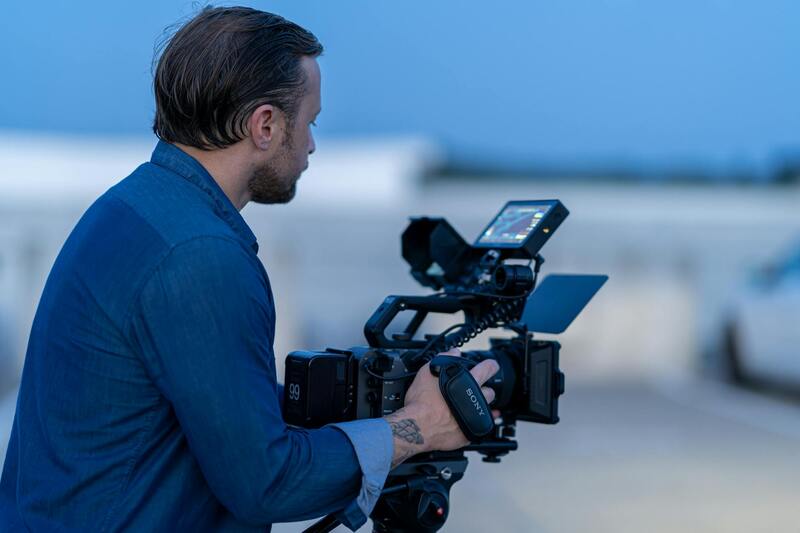
Turning synced angles into a story
Sync is the foundation, not the finish. Once the angles are locked together, the real editing begins, adhering to the same discipline as any robust post-production process. The editor starts with a rough cut, selecting which angle best fits each moment, tightening the pacing. The process then moves to a fine cut, featuring clean transitions and on-screen text. Finally, the finishing stages add the necessary polish to the piece.
Those finishing steps deserve their own attention. Our guide to color grading Miami video covers how a consistent grade ties mismatched angles together, while our piece on sound design for video explains why the audio mix decides whether a multicam edit feels professional. For events that will be shared widely, captions and subtitles make the final cut work on silent social feeds.
When should you hand over your multicam footage to an editor?
Multicam editing benefits from experience. An editor who has cut dozens of live events knows how to sync quickly when timecode is missing. They also know how to maintain a two-hour concert's excitement without it feeling repetitive. Additionally, they can manage file sizes effectively, keeping a single show from filling up an entire drive. While it is possible to do this in-house, it consumes hours that most teams do not have. Moreover, a poorly synced edit is easily noticeable to anyone watching.
At Miami Video Services we edit multicamera projects of every size: corporate panels and conferences, live music, ceremonies, and multi-angle interviews. You send us the footage from each camera and the separate audio, and we handle syncing, angle selection, color matching, the mix, and delivery. We scope each project with a set number of revision rounds so you know when the edit is finished and what the timeline looks like from day one.
Read more post-production walkthroughs on our editing blog, see how the studio works on the about page, or send your event details through contact for a scope and quote.
Common multicamera editing mistakes and how a skilled editor avoids them.
Most problems in a multicam edit can be traced back to the shoot. An experienced editor can spot these issues within the first hour of ingesting footage. Understanding the common pitfalls helps clients and crews set up a project so that post-production runs smoothly.
- No shared timecode or clap: without a sync reference, aligning angles by hand across a long event eats hours. A single loud clap at the start of each camera solves it in seconds.
- A camera that stopped recording mid-event: if one angle drops out, the editor loses a coverage option. Cameras rolling continuously through the key moments protect the edit.
- Wildly different exposures between angles: when one camera is left on auto and another is manual, brightness jumps at every cut. Matching settings on set makes color matching in post far easier.
- Relying on camera audio alone: built-in mics rarely capture clean sound. A dedicated recorder near the source gives the editor an audio bed that stays consistent no matter which picture is on screen.
When these basics are handled, the editor can focus on the creative aspects of choosing angles and shaping the pace, rather than battling with the footage. A quick planning conversation before a multicam shoot, covering sync, continuous recording, and audio, pays back many times over in the edit. This is where working with a team that both shoots and edits helps, as the people cutting the footage know exactly what they need captured.
Bringing the angles together
A multicam edit is only as good as its synchronization and as watchable as the choices made afterward. To achieve a high-quality multicam edit, align every camera and audio to the frame. Ensure the look and sound match across different angles. Then, cut the event as a cohesive story rather than a disjointed slideshow of viewpoints. By handling these steps with care, a roomful of cameras can be transformed into a single, seamless film capturing the moment as it unfolded.